In 1811 a group of frustrated English textile workers smashed mechanized looms and other weaving equipment in Nottingham. They became known as Luddites—named after Ned Ludd, a weaver’s apprentice who was said to have done the same two decades earlier. Their protest was aimed at industrial technology that displaced skilled labor. I sympathize, not out of economics, but because modern gadgets sometimes steal the pleasure of doing things by hand. Still, technology is undeniably useful—try navigating thick fog without radar, GPS and a chartplotter. I’ve done it, and I’d rather not again. A bit of the old Ned Ludd lives in me, and I felt it recently at a conference of marine journalists when the topic turned to digital switching.
Digital switching systems are appearing on many new boats and offer a compelling story. High-end OEM systems can be complex to specify and install, but manufacturers such as Garmin, Maretron and CZone offer simpler aftermarket solutions for owners who want modern convenience without NASA-level complexity. Initially I wondered why people would trade mechanical toggle switches for digital panels. I grew up with mechanical switches on boats older than most of my colleagues. But curiosity won out, and I decided to investigate digital switching for myself.
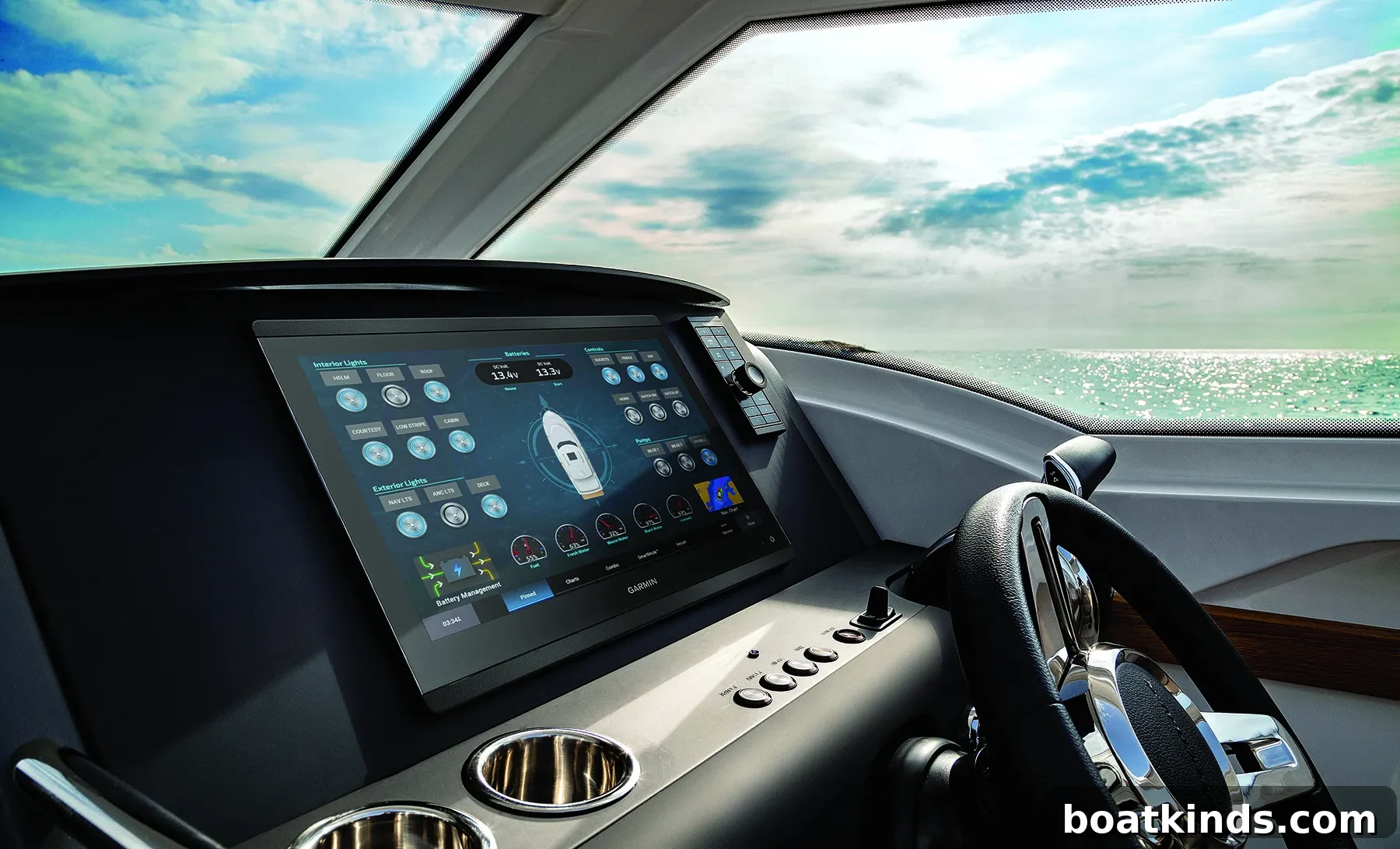
Traditional DC wiring on many boats looks like a tangled, multicolored mess: power runs from the main breaker panel through helm switches to cabins and appliances, with return wires heading back to a ground bus. Digital switching simplifies the initial DC wiring by moving control intelligence onto a digital module connected to an NMEA 2000 (N2K) backbone. That single N2K cable links the module to one or more multifunction displays (MFDs) or weather-sealed touchpads. The MFD effectively becomes the switch panel, and many mechanical breakers and switches can be eliminated. After setup, operation is straightforward and centralized on the chartplotter or touchscreen.
Grow a Backbone
If your boat isn’t a museum piece you probably already have an N2K backbone. The N2K protocol has been standard since 2001, and any recent chartplotter with a GPS, transducer or compass is likely tied into an N2K network. Note that radar typically uses Ethernet, not N2K, and some radars are wireless.
“Backbone” might imply a single cable running bow to stern, but in practice it’s an arrangement of cables and T-connectors. Each T is called a “drop,” and devices connect to the backbone with drop cables. The number and placement of drops depend on boat length and how many N2K devices you plan to attach. Every backbone needs a fused 12‑volt power lead connected near the middle to minimize voltage drop, plus terminators at each end. Low‑current N2K devices can draw power from the backbone; higher-demand equipment needs a dedicated DC feed.
A digital switching module plugs into the backbone via a drop cable—these can be up to 6 meters long, but shorter runs are preferable. That flexibility lets you mount the module near the existing breaker panel while still connecting to the N2K network. Manufacturers recommend installing the module on a clean vertical surface away from heavy power cables and motors to avoid electromagnetic interference. Accessible placement also makes resetting fuses or using onboard module switches easier if the MFD becomes unresponsive.
Hookups Are Easy
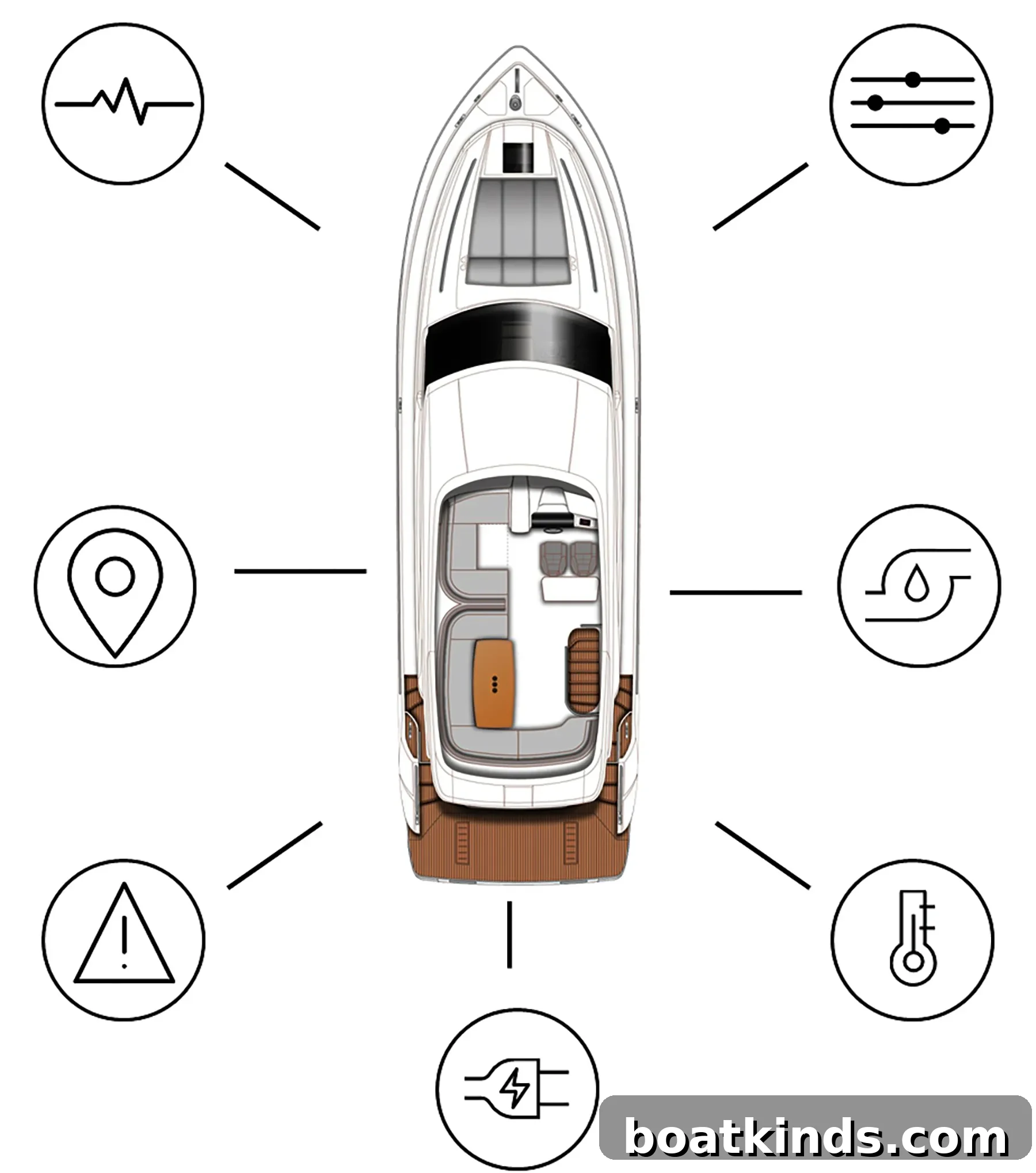
When the module is mounted near the breaker panel, connecting circuits is straightforward. You remove the existing conductors from the breaker panel and plug them into labeled harnesses that mate with the digital module using marine‑grade waterproof connectors. For example, Garmin’s Boat Switch provides 20 output circuits (thirteen 10‑amp and seven 5‑amp) and seven inputs that can monitor tank levels, battery voltage, bilge pump cycles and more. The module is powered through a 50‑amp inline fuse, grounded, and linked to the backbone via a drop cable. Once connected, a compatible Garmin ECHOMAP or GPSMAP will display the control interface.
Configuration is done mostly on the MFD, without the need for a PC, and manufacturers provide instructional videos. Tank sensors require calibration for minimum and maximum levels and fluid type; livewell pumps are set with cycle parameters; and inputs are tested by briefly grounding wires at the module during setup. Many systems also allow retention of physical switches in parallel with the digital controls so you can keep mechanical redundancy. Given the wiring and configuration complexity, professional installation is often recommended to ensure everything works reliably.
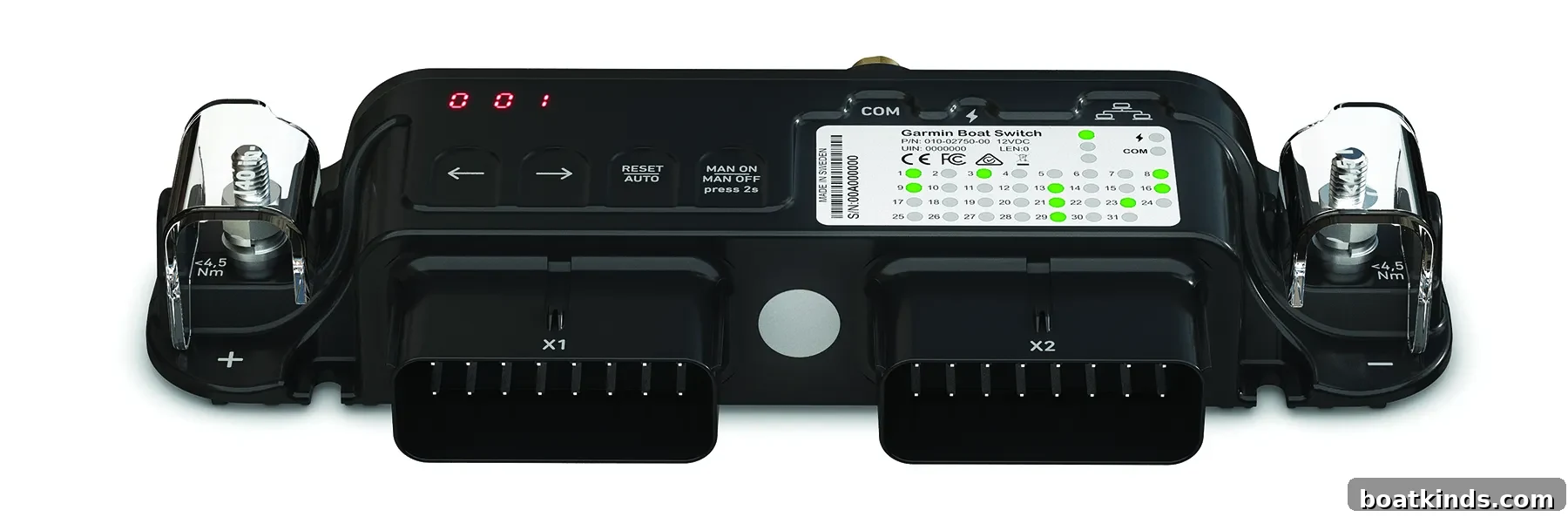
There are lower‑cost options from other vendors: CZone’s Contact 6 Plus ($415) offers six 15‑amp outputs and can work with a waterproof touchpad instead of an MFD. Maretron’s CLMD12 ($561) provides two 12‑amp, six 10‑amp and four 5‑amp circuits. Garmin’s Boat Switch lists at about $1,000. Different modules offer different features, so verify compatibility with your MFD before purchasing. If your boat uses Raymarine’s SeaTalk network you’ll need an adapter to bridge to N2K. Although N2K is designed for interoperability, confirming compatibility ahead of time avoids surprises—another reason to involve a qualified electronics professional.
Let’s Go Wireless
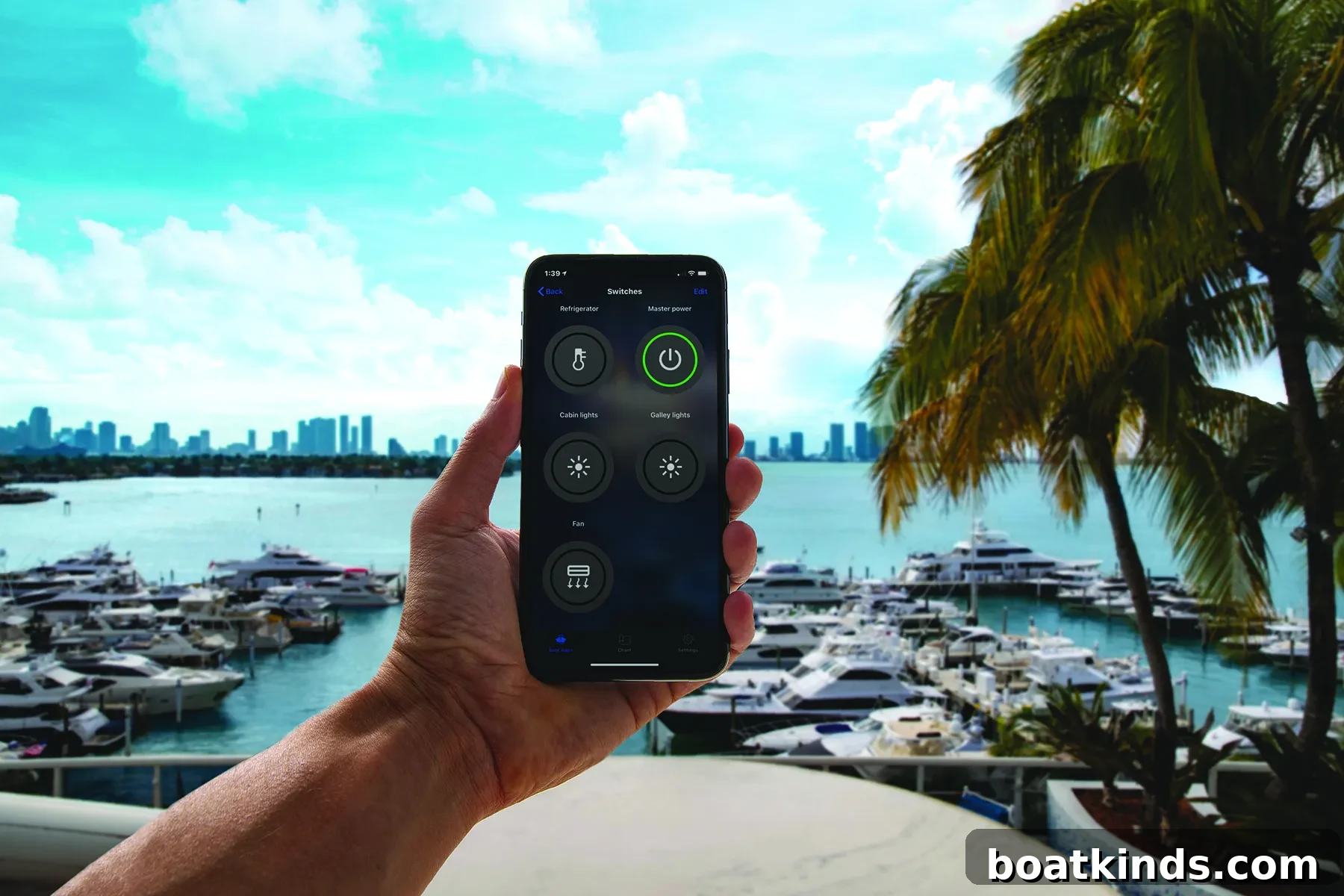
Digital switching often pairs well with wireless control. If your MFD has Wi‑Fi, you can join its local network and operate switches from a tablet or phone—handy for checking cameras, lights or bilge pumps from anywhere on board. For remote monitoring from shore, products like Garmin’s OnDeck Hub (about $850) and Raymarine’s YachtSense Link (about $1,400) act as marine routers that switch between cellular, marina Wi‑Fi and satellite, and connect to the N2K backbone for remote access. These routers can monitor temperature, shore power, battery voltage and security sensors, provide location tracking, and send alerts if something goes wrong. Both systems include a limited number of control channels and typically use automotive relays for switched loads. They also require a subscription plan—often modest monthly fees—to enable remote alerts and notifications.
Do you need digital switching? Not if your current wiring functions well and you’re satisfied with mechanical controls. But digital switching is convenient, reduces wiring complexity when adding circuits, and adds remote monitoring and control options that many owners appreciate. For rewires, restorations or new circuit additions, an N2K‑based digital switching solution can simplify installation and future expansion while reducing the number of long, bundled cables running through the boat.
You won’t be branded a Luddite for going digital—if anything, you’ll gain convenience without losing the option to keep some physical switches. If you decide to make the switch, consider professional installation and let me know how it goes—I’ll be waiting for your call on my flip phone.
This story was originally published in our sister publication, Power & Motoryacht and in the July 2023 issue of Soundings.